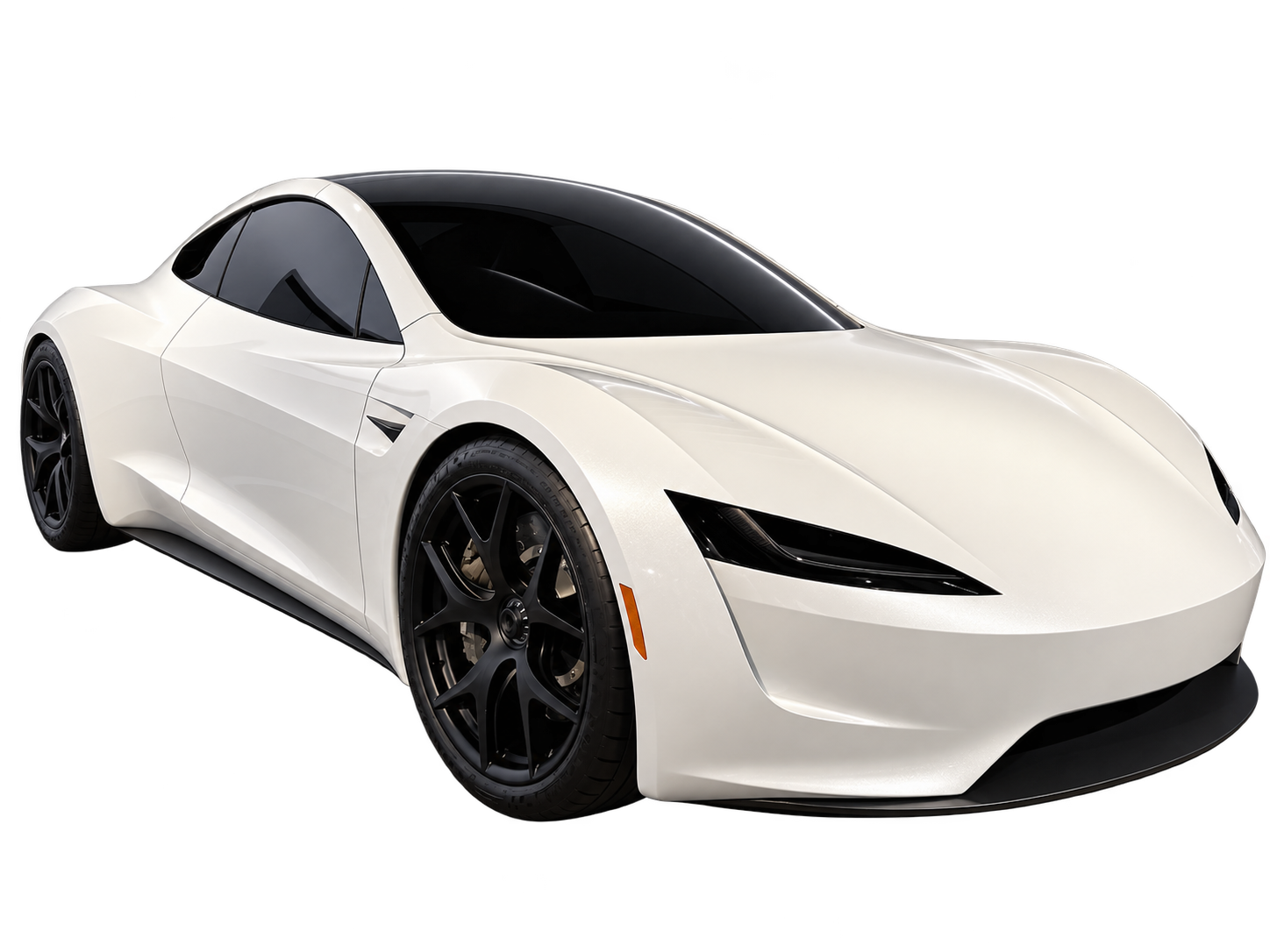
Custom flying car videos need room to move. In a 9:16 frame, a sports car can fit comfortably before takeoff and lose its nose, roof or landing point seconds later. Compose the entire path before you worry about music or a dramatic opening caption.
The task is to fit three pieces of information into a narrow picture: what the car is, what changes and where it ends up. A vertical clip that communicates those things can work without a voice-over. A clip that hides the action behind its own text cannot be repaired by a stronger headline.
Draw the occupied area at three moments
On a rough vertical rectangle, mark the car at the start, at the widest or highest point of its movement, and at the finish. Include the road or ledge that explains its position. You are checking whether the shot fits, not producing finished artwork.
A side-on departure needs horizontal room that the format does not offer generously. An angled path can keep the car visible longer, but it changes how clearly the distance travelled can be judged. A near-vertical lift makes good use of height, while requiring enough space above the opening position.
Choose the trade-off consciously. If the point is the moment the wheels leave the road, keep the vehicle and surface visible together. If the point is the scale of a city, a smaller car may be appropriate, but it will be less useful as a detailed portrait of a particular Roadster.
Use duration to complete one action
A five-second clip is suited to a compact change that can be understood without an introduction: a brief lift, a reveal or a short pass. It has less room to establish a location, introduce a driver, cross a city and complete a landing. Adding those requirements does not create extra running time.
For a ten-second planning exercise, reserve a clear beginning, a main movement and a readable endpoint. These are editorial beats, not precise model controls. Your selected duration sets the length; timing instructions in the written description do not guarantee exact cuts or second-by-second execution.
A longer clip should earn its length with something the viewer needs to understand. If the only useful moment occurs near the beginning, trimming in an editor may produce a stronger result than keeping the full export. This is a readability decision, not a claim that a particular duration will receive more reach.
A vertical file is not automatically a finished social post
YouTube currently categorizes qualifying square or vertical uploads up to three minutes as Shorts. That is a platform format rule, not a promise of discovery or a reason to make every generated clip longer. Check YouTube's Shorts guidance.
Flying Car AI produces a 5–30 second silent vertical MP4 at 480p. The generator does not add your social caption, soundtrack or publication settings. Add those in your editor or publishing app, then inspect the final file rather than judging only the unedited render.
Avoid enlarging a wide crop and expecting it to recover missing detail. Plan the car's size in the vertical composition from the start. If the subject remains small because the skyline is the point, accept that the clip is about scale rather than the precision of its wheel design.
Leave text space where the car will not need it
A caption placed above the parked car may cover it after takeoff. Reserve space against the full motion path, not just the first frame. If the car rises into the upper third, a quieter lower area may be more suitable for a short line of text, provided it does not hide the ground reference.
Publishing interfaces add their own controls and overlays, and their position can vary. Preview the upload on the platform you intend to use instead of trusting one universal safe-area diagram. Keep essential labels away from the edges and check whether they remain visible when interface controls appear.
Write a short caption that identifies the idea, rather than narrating every visible movement. “AI concept” is useful context. “Real Tesla flight test” would misdescribe a generated sequence even if the vehicle and surroundings look photographic.
Decide whether the ending should settle or loop
A settled ending lets viewers inspect the result of the movement: the car is now above the road, across the gap or back on the surface. That is often the clearest choice when the action has a destination.
A loop asks for a different relationship between the last and first frame. Compare camera position, vehicle scale, light direction and direction of movement. Crossfading a distant airborne car into a close parked car may conceal a cut, but it does not create continuity. A purposeful cut can be better than a forced seamless loop.
Review the scene with no audio first. Sound can make an unclear action feel energetic without making it understandable. Add effects only after the picture works, and avoid suggesting that added sound is a recording of a real Roadster system.
Check the exported post, not just the generation
- Watch on a phone at normal size. Can you identify the car and its main movement without pausing?
- Pause at the highest point or widest turn. Are important parts of the vehicle cropped out?
- Check the caption, cover and description together. Do they describe a fictional scene consistently?
- Preview the destination app's overlays. Do they hide the lift, landing or AI label?
YouTube requires disclosure of realistic generated or meaningfully altered scenes where its criteria apply. Review the current upload guidance and use the relevant AI setting when required; do not assume a line in the caption replaces it. Read YouTube's disclosure policy.
For a Roadster AI video, our design reference guide helps keep the vehicle consistent. For the words that describe the action, use the prompt planning guide. The final framing remains your creative choice.
These are editorial planning recommendations, not results from a controlled model test. AI output varies; a description or reference photo cannot guarantee a specific result. Flying Car AI is independent and is not affiliated with, endorsed by or sponsored by Tesla, Inc. or any vehicle manufacturer.